How to Upgrade Your Weapons in Cyberpunk 2077

Priya Sharma
Publish date:
Weapon upgrades work differently in the current version of Cyberpunk 2077, so not every gun or melee weapon can be improved. This guide explains which weapons can be upgraded, where to find the upgrade menu, and how to use crafting components wisely.

You Can Only Upgrade Iconic Weapons
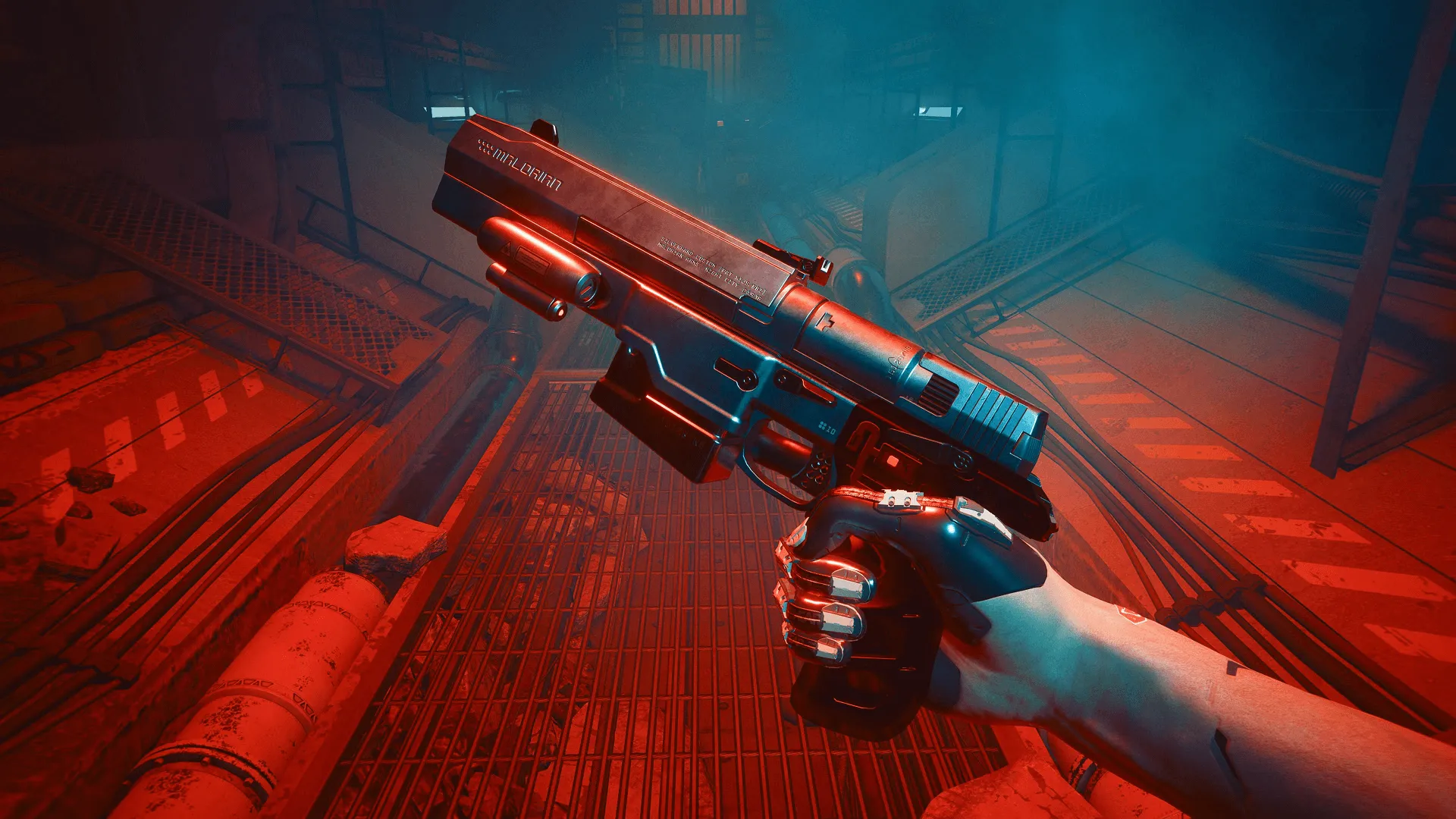
In the current version of Cyberpunk 2077, you can only upgrade Iconic weapons. These are special weapons with unique names and effects, usually found through quests, bosses, gigs, or important locations.
Normal weapons cannot be upgraded in the same way. If you find a regular weapon that is too weak, it is usually better to replace it with a stronger one.
Open the Crafting Menu
To upgrade a weapon, open your Inventory and go to the Crafting menu. From there, switch to the Upgrades tab.
Only weapons that can be upgraded will appear here. If the weapon you want is not showing, it is probably not an Iconic weapon.
Use Crafting Components
Weapon upgrades require crafting components. These come in different tiers, and higher-tier upgrades need higher-tier components.
You can get components by looting enemies, opening containers, completing missions, and dismantling unwanted gear. If you want to upgrade your favorite Iconic weapons, do not sell everything. Dismantling extra gear is often useful.
Upgrade Your Best Weapons First
Do not waste components upgrading every Iconic weapon you find. Components are also useful for other upgrades, so it is better to focus on weapons you actually use.
Good weapons to upgrade are ones that match your build. For example, upgrade pistols if you use a handgun build, katanas if you play melee, or smart weapons if your build supports them.
When to Upgrade Weapons
You do not need to upgrade constantly. If your weapon still kills enemies quickly, save your components for later.
Upgrade when your favorite weapon starts feeling weak, or when you are ready to push it into a higher tier. This keeps your best gear useful as enemies get stronger.


© 2026 GameOn. All rights reserved.